Building a website the right way: how to choose a contractor and not regret it
 Igor Pavlysheninternet marketer
12 January 20264 min read
Contents 7 sections
Building a website the right way: how to choose a contractor and not buy “it's not a bug, it's a feature”
Let's set the scope right away. This isn't about a quick DIY site, a test landing page or something an AI put together in an evening. It's about proper corporate websites, catalogs and stores with a well-thought-out structure, design and working sales logic.
And yes, vibe coding without understanding the basics is more often pain than savings. I recently saw such a project at a client's: errors in basic sections, broken forms, half-working features. The conclusion is simple: don't fall for the magic of “super technologies” if the team can't bring a project to production quality.
Whom to hire: one all-rounder or a team
The minimum working combo is a designer + developer. But that's the lower limit, where the risks are still high.
The best team for most projects has 4 roles:
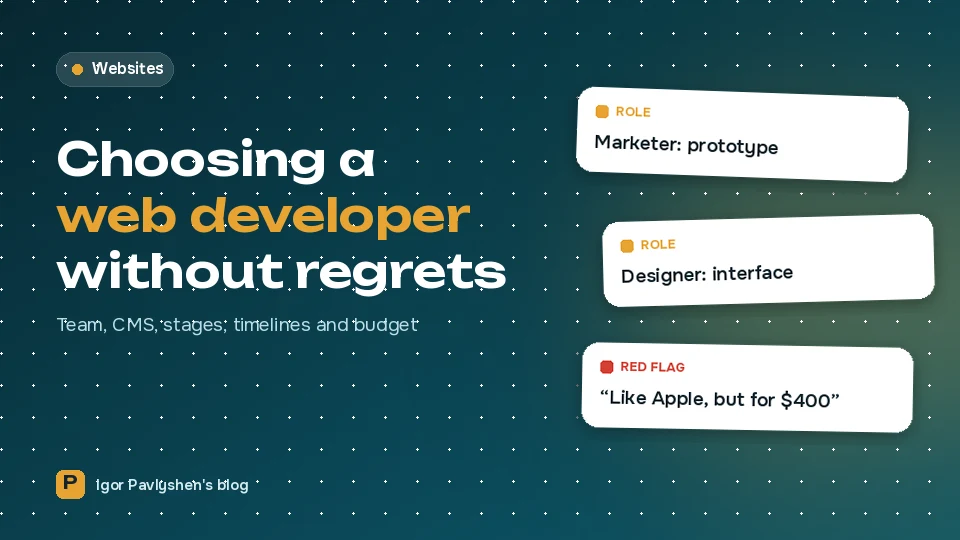
- Information architect / marketer. Creates the prototype, section logic, copy, scenarios and CTAs.
- Designer. Turns the prototype into a convenient, attractive interface.
- Front-end developer. Turns the design into clean responsive HTML/CSS/JS.
- Back-end developer. Integrates into the CMS and connects features, forms, integrations and the admin panel.
If a contractor promises “I'll do everything perfectly myself”, it's not always a lie, but in most cases it's a compromise on quality and timing.
Working in stages isn't bureaucracy, it's insurance for your money
“You'll get a finished website at the end” with no stages is a red flag. A proper process is always split into steps:
- Prototype. Site skeleton, section logic, copy, user journey.
- Design. Visuals, UX details, mobile versions, element states.
- Front-end build. Clean front end, responsive layout, cross-browser support, basic optimization.
- Development. CMS, forms, catalogs, filters, integrations, SEO basics.
- Testing and launch. Scenario testing, content, analytics, conversions, debugging.
Critical: payment should also be tied to stages. Then everyone risks less and the team is more motivated by results.
The most expensive mistake is skipping the prototype. Anything that “comes up later” costs 3–10 times more to change.
About CMS, without holy wars
In practice, three systems usually work well:
- WordPress — corporate websites, blogs, small catalogs;
- WooCommerce / Shopify — online stores: WooCommerce for flexibility and integrations, Shopify for a quick start;
- MODX — less often, but a good fit for fast, lightweight sites.
If you're offered some odd half-cloud custom system that ties you to the contractor forever and can't be handed to another team, that's a risk. Especially for a business planning to grow.
There are exceptions: high-load and non-standard products that need React/Vue/Next and a custom backend. But that's a different class of task and a different budget.
Timelines: where reality ends and fairy tales begin
“A website in a week” for a full commercial project is usually nonsense. You can build a landing page in 7–10 days. You can put together an MVP quickly. But a good mid-size website with messaging, content, integrations and testing usually takes at least 1 month.
Why:
- approvals and revisions take longer than expected at the start;
- content is rarely ready in advance;
- integrations and forms almost always need fixes once built.
What a proper website costs
The exact price isn't always fixed to the cent upfront, because new ideas and details come up along the way. That's normal.
What's definitely not OK:
- a suspiciously low “all-inclusive” price with no breakdown;
- no estimate broken down by stage;
- promises like “we'll make it like Apple, but for $400”.
At the low end of the market, proper corporate websites and catalogs usually start from $1,230, if we're talking about proper design + development, not an imitation of the process.
Budget not only for the “look” but also for what's usually forgotten:
- CRM integrations (for example, HubSpot);
- analytics, conversions, events, call tracking;
- basic SEO, schema markup, technical optimization;
- content, photos, legal pages, testing.
Checklist of questions for a contractor before signing
- What are the project stages and what do I get at each?
- Who in the team is responsible for what?
- How do revisions work and how many rounds are included?
- Which CMS will the project use and how can I hand it over to another team?
- What's included in the launch: forms, analytics, SEO basics, integrations?
- Who handles bugs after launch, and how?
If the answers to these questions are vague, that's your answer.
Takeaway
There are no miracles. A good website is always systematic work: people, stages, control, realistic timelines and an honest budget.
You can keep saying “it's not a bug, it's a feature”, but that means little if the client pays and the project doesn't solve business problems. Look at the contractor's thinking, process and transparency. Then the chance of getting a truly working website, not a beautiful problem, is much higher.
If this is useful, I'll write a separate piece on CMS choice, tender questions and how to accept a contractor's work painlessly.